Live Tracking Links for Limo Passengers on Farm-Out Trips
How a live tracking link for limo passengers works on LimoFarmOut: a text in your company's name, no app needed, and the chauffeur shown only during the trip.
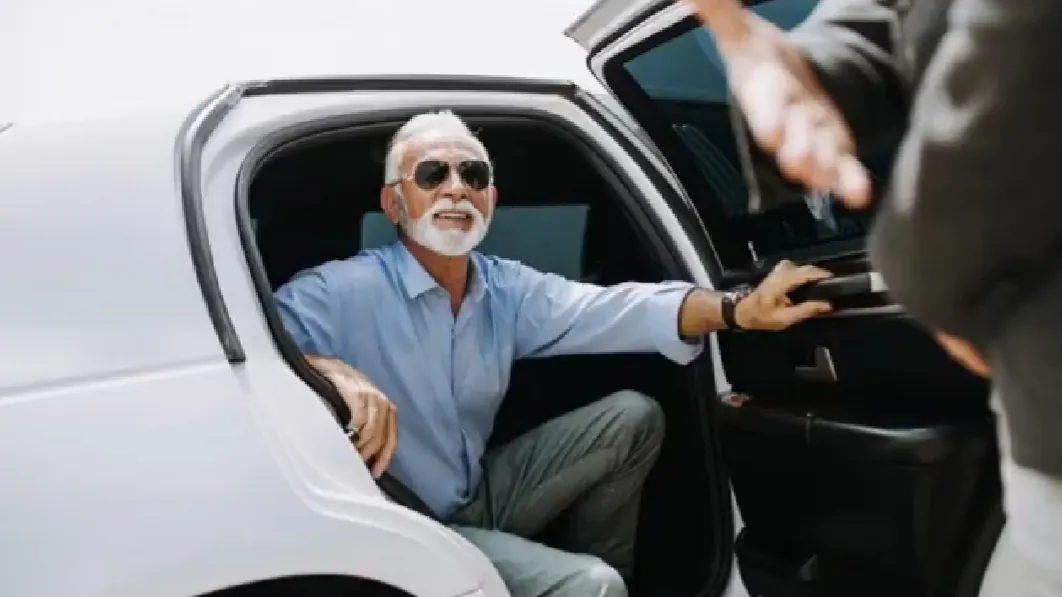
The most common question a passenger asks before a pickup is not about the car or the price. It is "where is my driver?" A client standing outside a terminal at midnight, or waiting in a hotel lobby before a board meeting, wants to know the car is coming.
When you farm out a trip, you can't stand next to your client and reassure them. The next best thing is to let them see it for themselves. That is what the live tracking link for limo passengers does on LimoFarmOut.
This post explains what the passenger receives, what they see, when tracking starts and stops, and why it is set up to protect both the client and the chauffeur.
What the passenger receives
When a driver is assigned to your job, the passenger gets a text message in your company's name. It includes:
- The chauffeur's first name.
- The vehicle.
- A live tracking link.
- A private number to reach the chauffeur.
That is all they need. The text reads as coming from you, the company they booked with, which keeps your brand in front of the client. More on that in White-Label Chauffeur Service: Your Standard, Not a Stranger.
No app, no account, no sign-up
Passengers do not download anything or create an account. They tap the link and a simple page opens in their phone's browser. The page shows your company's name, the trip status, the chauffeur and vehicle, the pickup time and city, and a map once the car is moving.
For a busy executive, an older relative or a wedding guest, this matters. Nobody wants to install an app for one airport transfer.
When the chauffeur appears on the map
Tracking follows the trip's own steps. The driver presses buttons on their Trip screen as the job moves along:
- En route when they set off. From this moment the poster and the passenger start to see the car on the map.
- On location when they arrive at the pickup.
- Passenger on board once the client is in the car.
- Trip complete at drop-off.
The position refreshes as the trip goes on, and the page shows when it was last updated. Once the trip is completed, the page stops following the car.
The driver keeps the Trip page open during the trip so their location is shared. A website can only share location while the page is open, so this small habit is part of running a farm-out job well.
What you, the poster, see
You follow the same trip on your job page with a live map. That lets you answer your client's call with real information ("your chauffeur is four minutes away") instead of guessing. If the trip is for a VIP or an important account, you can watch the whole pickup from your own phone while you're busy elsewhere.
Privacy: location only during the trip
Live tracking can feel intrusive if it is done badly. LimoFarmOut limits it on purpose.
- A driver's location is shared only while a trip is under way. The privacy policy is clear that the platform does not share a driver's location when no trip is active.
- The tracking page shows the chauffeur only during the trip, not before and not afterwards.
- Trip location records may be used to settle a dispute, and for nothing that would track a driver off the job.
- Map images come from OpenStreetMap, and only the map area being shown is requested. No account details are sent.
Sharing location only for as long as the task needs it is the kind of limit privacy regulators encourage, such as the Office of the Privacy Commissioner of Canada in its guidance for businesses.
For the passenger, the link gives peace of mind without asking for anything in return. For the chauffeur, it means nobody can watch where they go once the job is done.
Airport pickups: tracking on both ends
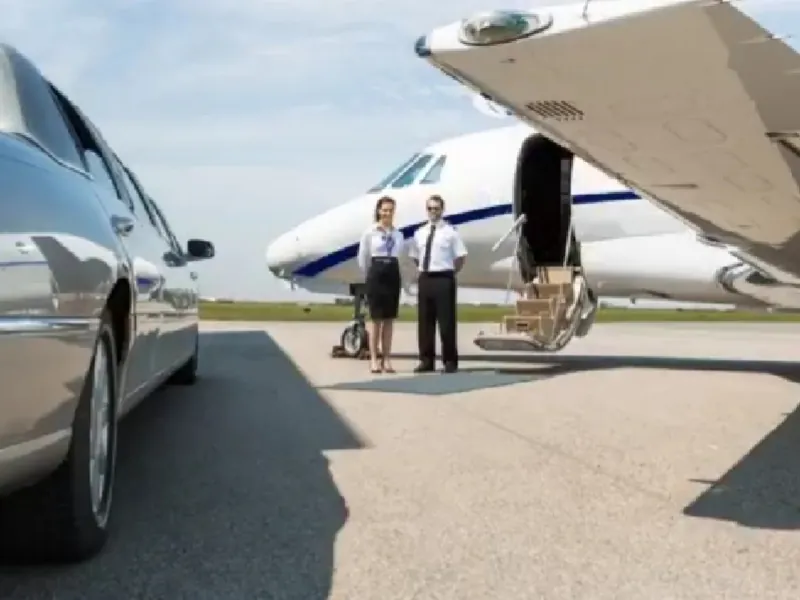
Airport trips add a second moving part, the flight. On LimoFarmOut, airport pickups include flight tracking so the driver can follow the flight and adjust to an early or late landing. The passenger, meanwhile, follows the car. Each side knows where the other is.
Passengers who like to check their own flight can also use a public tool such as FlightAware. Between that and the tracking link, the classic "I'm here, where are you?" call becomes rare.
Why it lifts your service, even on a farmed-out job
A tracking link is a small thing that changes how a trip feels.
- Fewer anxious calls. Your client can see the car coming, so they don't need to phone you or the driver.
- Smoother meet-ups. Combined with the private trip number, finding each other at a busy curb is quicker.
- A consistent standard. Every passenger gets the same text and the same page, whichever verified chauffeur takes the job.
- Your name on the experience. The client remembers that your company kept them informed.
We look at the whole client journey in What a Five-Star Farm-Out Experience Looks Like.
Tips for drivers
- Press En route as soon as you leave, not when you arrive. The passenger is watching for the moment you set off.
- Keep the Trip page open until drop-off.
- If the client is ready early, you can press the steps as you go, even before the booked time. Ask the poster to change the pickup time so the passenger's texts match.
- Use the private line rather than your own number if you need to talk.
The help page has a step-by-step guide to running a trip.
Planning travel around the ride
If your client is also booking flights or a hotel for the trip, they can search options here.

Need a car for a client in another city?
If you would rather book a car directly for one of your own clients outside your area, you can do it here.

Chauffeur booker
Book a chauffeur in any city
Airport transfers, hourly cars and point-to-point trips with LimousineWorldwide.Directory member operators. Choose the vehicle, see the price and book in a few steps.
Frequently asked questions
Does the passenger need an app to track the chauffeur?
No. The passenger taps the link in the text and a page opens in their browser. There is no app and no account.
When does the passenger start seeing the car?
When the driver presses En route. Before that, the page shows the trip details, and once the trip is completed it stops following the car.
Who sends the tracking text?
The text goes to the passenger in the posting company's name, with the chauffeur's first name, the vehicle, the tracking link and a private number.
Is the driver's location shared outside the trip?
No. Location is shared only while a trip is under way, and only while the driver's trip page is open.
Is flight tracking included on airport pickups?
Yes. Airport pickups include flight tracking so the driver can follow the flight.
Give your clients a pickup they can watch from their phone. Farm out your next trip and the tracking link goes out in your name.